
Wearable IoT Trend
Could AI Glasses Become the Next IoT Control Interface?
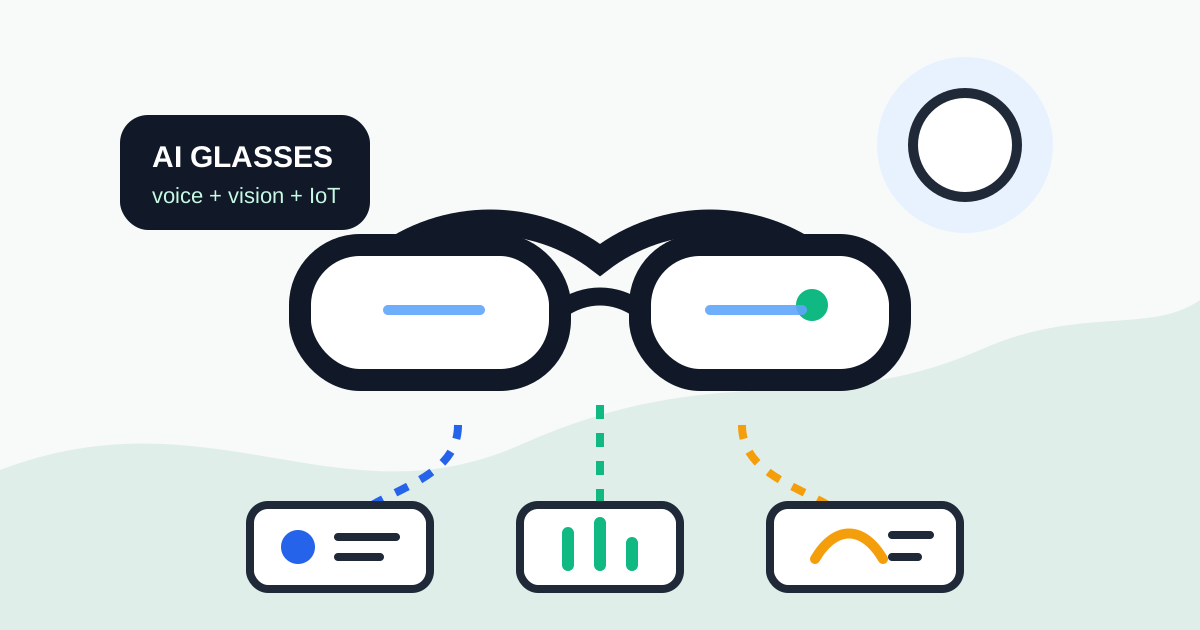
The latest AI glasses trend is moving beyond simple camera eyewear. Cameras, microphones, speakers, small displays, and voice AI are turning glasses into a possible interface between people and field devices.
Why This Is IoT News
AI glasses are not just phone accessories. They can see the scene in front of the user, hear voice commands, and return information through audio or a small display. From an IoT point of view, that makes them an input and output device for understanding sensor data and device state in the field.
Recent reports point in several directions: Meta smart glasses are being connected with golf apps for voice-first course and performance information, Xgimi's MemoMind One focuses on display-based AI features without a camera, and subscription limits are appearing around some smart-glasses features.
The Shift: From Screens to Field Context
Many IoT systems still rely on a phone app or web dashboard. That works at a desk, but it is awkward when the user is wearing gloves, standing on a ladder, or working inside an equipment room. Glasses can use gaze and voice as the interaction layer.
- Ask, “When did this sensor last report?” while looking at the device.
- Read a QR code or device label and open the matching status page.
- Check temperature, humidity, voltage, and network status by voice or small display.
- Follow inspection steps while checking relays, valves, fans, or sensor boxes.
Field Applications
Imagine an equipment-room operator wearing AI glasses. The glasses read a device label, fetch recent temperature and humidity data from the server, and let the operator ask for the highest temperature in the last 24 hours or the last communication failure time without using a phone.
The same pattern can apply in factories and farms. Looking at a sensor box could show install date, battery voltage, firmware version, and replacement schedule. Beginners could see wiring steps, while experienced operators could receive only abnormal values.
What Builders Should Prepare
This trend is not only about the glasses. Field IoT devices need names, state APIs, authentication, local network rules, and useful logs. If the glasses cannot read device state safely, they cannot become a real control interface.
- Edge AI: process parts of camera or voice data close to the device to reduce latency and bandwidth.
- Device identity: use QR codes, NFC, BLE beacons, or stable device names to identify equipment correctly.
- Read-only APIs: start with status, logs, and alerts before allowing direct control.
- Access control: a voice command can become a dangerous physical action if the user is not authenticated.
Risks
AI glasses place cameras and microphones on the body, so privacy and security are serious issues. Equipment-room screens, access logs, worker faces, and internal network details may be captured unintentionally. Sending video to a cloud AI service may also conflict with company security policies.
Before using glasses in the field, define recording rules, retention periods, voice-command permissions, and emergency stop behavior. Commands that move physical equipment, such as relays or motors, should include confirmation and permission checks.
IOTHub View
AI glasses are not a finished answer for every site yet. They are a strong signal about where IoT interfaces are going. Builders will need to think not only about sending sensor values, but also about how people see and act on those values during real work.
For small projects, a phone web page is enough. For multi-device sites or hands-busy environments, voice and gaze-based interfaces may become practical. The real meaning of AI glasses is not the glasses themselves; it is that IoT devices are moving closer to the worker's natural flow.
A practical architecture
Smart glasses should not directly control relays, motors, or sensors without a safety layer. A better structure is to use the glasses as an interface while a local gateway or server handles identity, permissions, state, and command execution.
- Identify the device: QR code, label, location, or voice context selects the target device.
- Read state: The server returns recent sensor values, firmware version, last contact time, and recent faults.
- Confirm commands: Dangerous actions require a confirmation step.
- Check permission: Read access and control access should be separate.
- Record actions: Every physical command should leave an audit trail.
This architecture lets you start with a phone web page today and add glasses or voice interfaces later without redesigning every device.
A small prototype path
You do not need smart glasses to test the concept. Put a QR code on each sensor box. Let the QR code open a device status page that shows temperature, humidity, battery, firmware version, last MQTT publish time, and recent errors. This already changes field maintenance because the technician no longer needs to search a dashboard manually.
- Create a stable device ID.
- Expose a simple `/device/{id}` status page.
- Show human-readable fault explanations.
- Start with read-only status before adding control commands.
- Add limited commands only after identity and logging are reliable.
Voice command safety
Voice control is useful but not perfect. Misrecognizing one relay number as another can create a real physical action. For lights this may only be annoying. For pumps, heaters, motors, and locks it can be dangerous. Read-only commands are the safest starting point: show current status, list low-battery devices, explain the last fault, or show the last contact time.
Field checklist
- Does every device have a human-readable name and stable ID?
- Is there an internal API for device state?
- Are last contact time, firmware version, and faults recorded?
- Are read and control permissions separated?
- Are dangerous commands confirmed before execution?
- Are camera and microphone restrictions defined for sensitive areas?