
Network Guide
MQTT Sensor Node Flow
MQTT works well when many IoT devices publish sensor values and receive control commands. With one or two devices almost any topic name can work, but as the device count grows, topic structure, state messages, reconnection behavior, and logging rules determine operational quality.
Basic flow
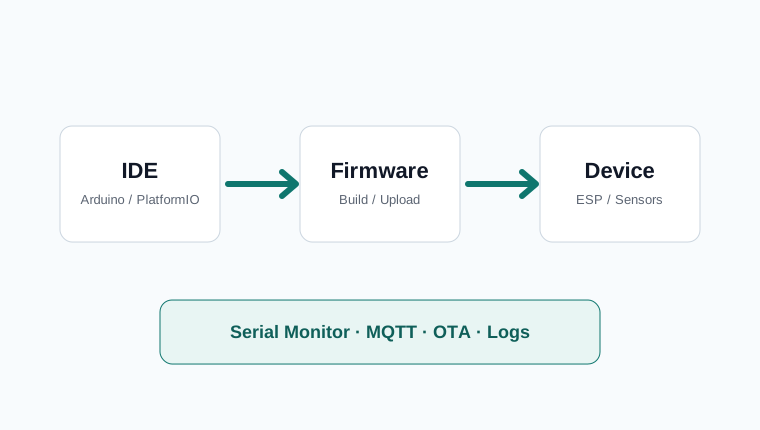
A sensor node usually follows this path: sensor, ESP board, Wi-Fi, MQTT broker, dashboard or automation server. Even a single temperature value becomes more useful when boot state, Wi-Fi state, last measurement time, power state, and error count are visible.
A small build such as the [Part 3] Stop guessing room comfort can grow into multiple rooms later. If room01 and room02 style names are used from the start, dashboards and logs remain readable.
Topic Structure
| Status | iothub/device/room01/status |
|---|---|
| Telemetry | iothub/device/room01/telemetry |
| Command | iothub/device/room01/command |
| Config | iothub/device/room01/config |
Mixing state and telemetry into one topic is convenient at first but hard to filter later. Put online, offline, firmware version, and uptime into state. Put time-series values such as temperature, humidity, and voltage into telemetry.
Payload shape
JSON is practical when sending temperature, humidity, device ID, timestamp, and battery status together. Keep the payload focused. Large payloads sent too frequently create unnecessary network and broker load.
Units and meaning should be clear. Temperature should state Celsius or Fahrenheit. Humidity should be relative humidity. Battery should be voltage or percentage. Without these rules, the dashboard may look fine but the stored data becomes hard to compare later.
Retain and QoS
Retain lets a newly connected dashboard immediately see the last value. It is useful for room temperature, humidity, and device online state. It is risky for event messages such as “door opened,” because an old retained event can appear again when a client reconnects.
QoS controls delivery guarantees. For many home sensor nodes, QoS 0 or 1 is enough. The bigger question is what the device does when Wi-Fi or MQTT is disconnected, and whether failures are recorded locally. This connects directly to why MQTT devices still need local logs.
Debug tools
Use tools such as MQTT Explorer to inspect topics and separate device issues from server issues. Debugging is faster when you can tell whether the device published, the broker received, and the dashboard subscribed.
Field operation checklist
- Use device IDs and location names that humans can read.
- Separate state, telemetry, command, and config topics.
- Include last publish time and uptime in the payload.
- Record Wi-Fi and MQTT reconnection failures locally.
- Confirm that the device remains safe when publishing fails.
- If firmware changes are expected, design an OTA update strategy with the device flow.